· 8 min read · StreetLegal Team
Food Truck Website Speed: Why a Slow Site Costs You Customers
Updated August 16, 2026
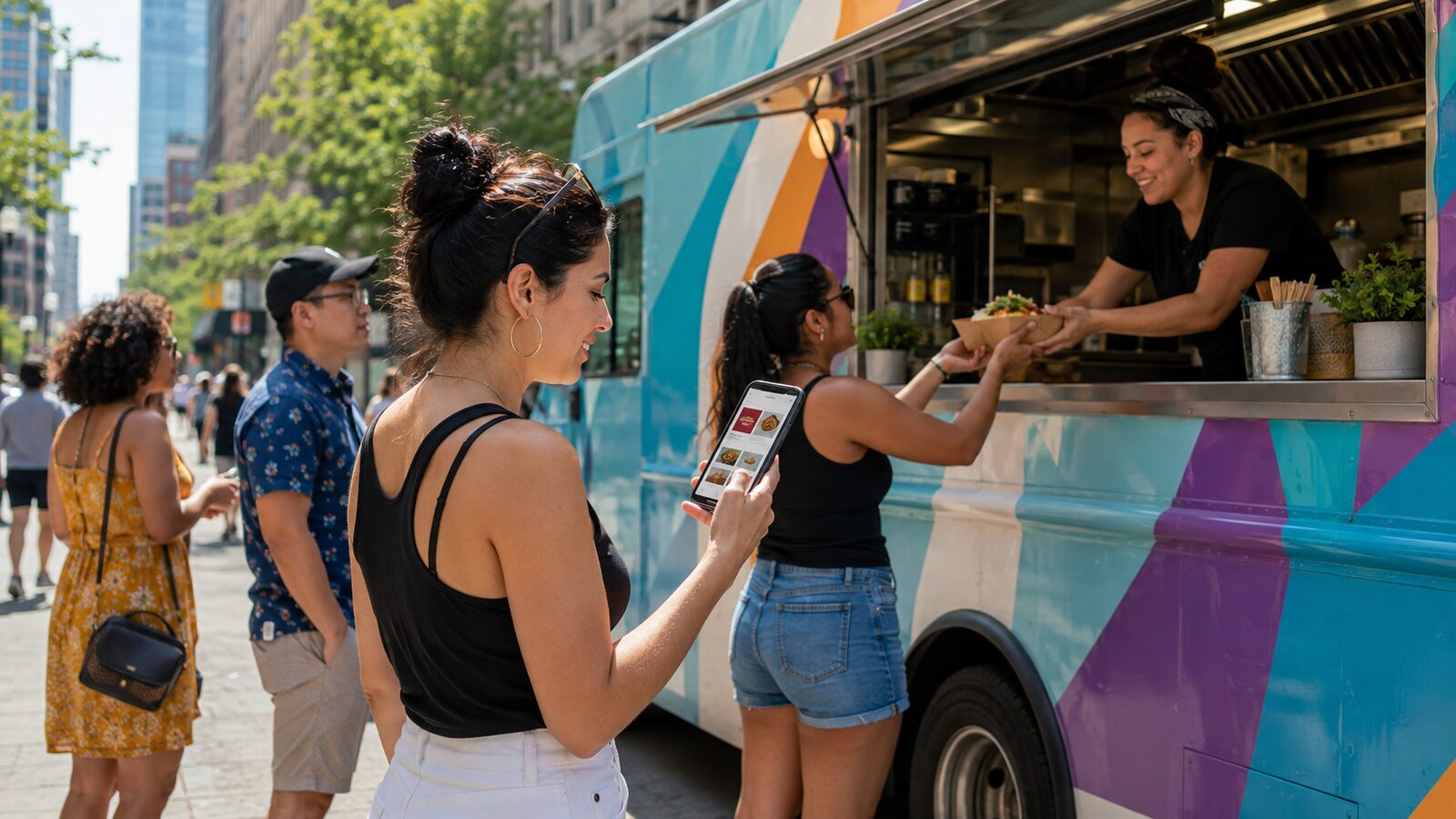
A food truck website usually gets used in a hurry: someone is standing outside an office, checking lunch options between meetings, or trying to confirm whether you are open before driving across town. If your menu page stalls, the customer does not patiently debug it. They go back to Google Maps, Instagram, or the truck parked two blocks closer.
Why speed matters for food trucks
Food truck traffic is heavily mobile and intent-driven. Customers need three things fast: where you are, whether you are open, and what they can order. Google's older but still widely cited mobile speed research found that as page load time moves from one second to ten seconds, the probability of a mobile visitor bouncing rises 123%. That is not food-truck-specific data, but the behavior maps closely to the lunch-rush use case.
Speed also affects search quality signals. Google's Search documentation describes Core Web Vitals as real-world user experience signals for loading performance, interactivity, and visual stability, and says site owners should achieve good Core Web Vitals for Search and user experience. For a truck, that means the menu page, catering page, and location page deserve the same attention as the logo or hero photo.
The speed metrics worth watching
Do not manage speed by vibes. Use Google's public thresholds:
| Metric | What it means | Good threshold |
|---|---|---|
| LCP | How fast the main visible content loads | 2.5 seconds or less |
| INP | How quickly the page responds to taps and clicks | 200 milliseconds or less |
| CLS | How much the layout jumps while loading | 0.1 or less |
Run your home page, menu page, catering page, and location page through PageSpeed Insights. It reports field data when enough real-user data exists and lab diagnostics when it does not. For broader site monitoring, Google Search Console includes Core Web Vitals reports for mobile and desktop.
What to fix first
Start with the things that usually slow food truck sites down:
- Oversized food photos. A full-resolution phone photo can be several megabytes. Resize menu and hero images before upload, use modern formats where your site supports them, and do not load a giant photo where a small thumbnail will do.
- Embedded widgets above the menu. Instagram feeds, maps, reservation tools, review widgets, and chat popups can all delay the main content. Put the essentials first and move heavy extras lower on the page.
- PDF menus. A menu locked inside a large PDF is slower, harder to scan, and worse on mobile. Build the menu as HTML and keep a downloadable catering PDF only where it helps.
- Layout jumps. Reserve space for photos, map embeds, and announcement bars so the order button does not move while a customer is trying to tap it.
- Cheap hosting that is far from customers. If the site takes a long time to respond before anything loads, the issue may be hosting or a heavy theme rather than the visible design.
A simple monthly speed workflow
Once a month, test the pages customers actually use. Save the PageSpeed Insights results, fix the biggest image or script issue, and retest. If Search Console shows a group of URLs moving from "Good" to "Needs Improvement," inspect one representative page and apply the fix across the group.
The goal is not a perfect lab score. The goal is that a customer on a busy mobile connection can open your site, see today's location, read the menu, and place or start an order without waiting through a pile of unnecessary code.
Sources
- web.dev Web Vitals thresholds
- Google Search Central Core Web Vitals guidance
- Think with Google mobile page speed research
- About PageSpeed Insights
Frequently asked questions
What website speed should a food truck aim for?
Use Google's Core Web Vitals thresholds as the baseline: LCP at 2.5 seconds or less, INP at 200 milliseconds or less, and CLS at 0.1 or less.
What is the fastest fix?
Compress oversized photos and move heavy widgets below the core menu, location, hours, and ordering content.
Should I remove my Instagram feed?
Not always. If it slows the top of the page, move it below the menu and ordering links so it does not block the customer from acting.
Make the fast path obvious.
StreetLegal helps food truck operators keep the critical pieces visible: permits, operating details, locations, and the customer-facing pages that turn searches into visits.
Answers to the most common permit questions — costs, timelines, commissary rules, and more.
Find city-level permit guides for every state we cover — compare costs and requirements.
More from the blog
Jefferson County, MO Food Truck Permit Guide
Complete guide to food truck permits, fees, and requirements in Jefferson County, MO.
City GuidesSt. Charles County, MO Food Truck Permit Guide
Complete guide to food truck permits, fees, and requirements in St. Charles County, MO.
City GuidesSt. Louis County, MO Food Truck Permit Guide
Complete guide to food truck permits, fees, and requirements in St. Louis County, MO.
Buyer's GuideFood Truck POS Systems 2026: Square, Toast, Clover & Avocado
Compare 2026 food truck POS systems by pricing, hardware costs, offline mode, and contract terms for Square, Toast, Clover, and Avocado.