· Updated · 8 min read · StreetLegal Team
Food Truck Menu Page Design: Best Practices for 2026
Updated July 26, 2026
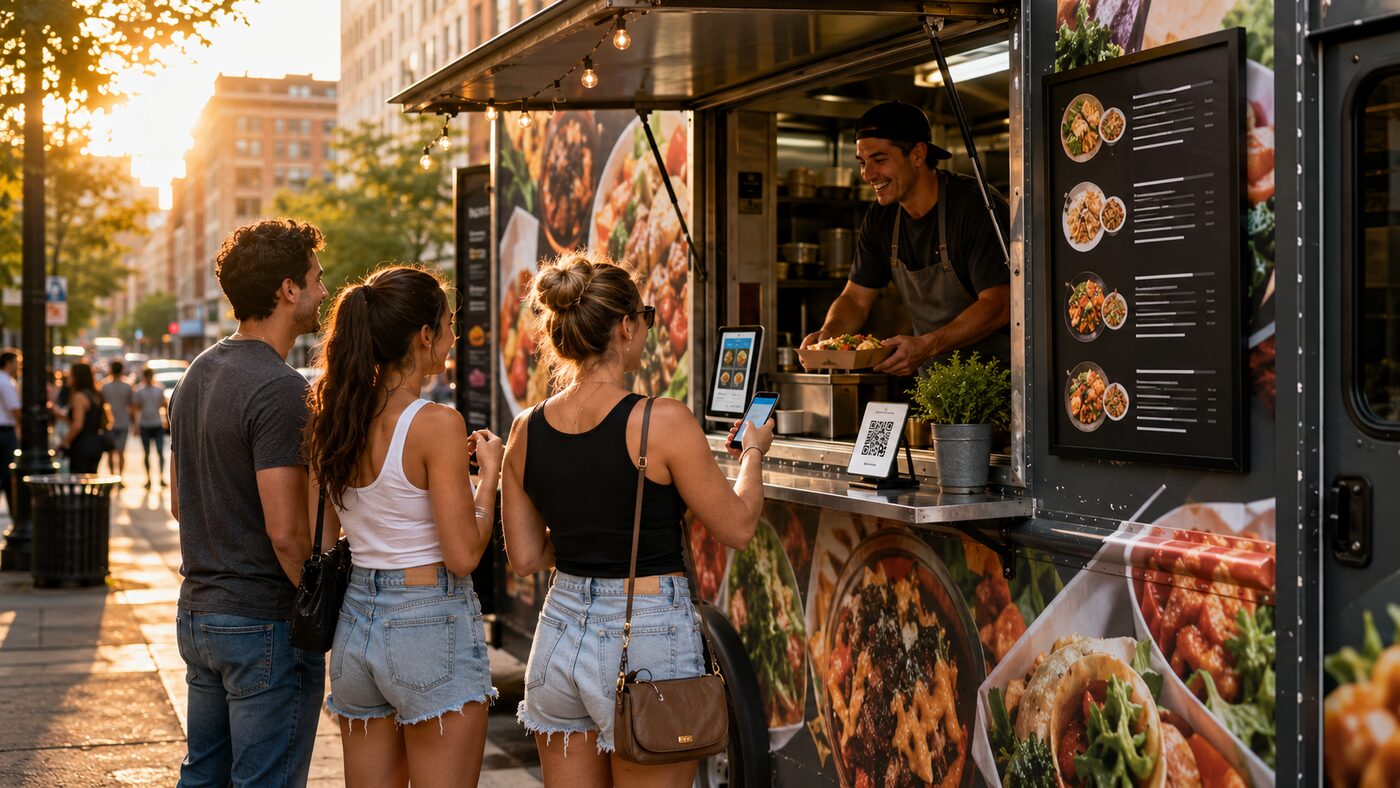
A food truck menu page is not a digital version of the board taped to your window. It is the page customers open from Google, Instagram, a QR code, a catering inquiry, or an online-ordering link while standing outside, sitting in an office, or comparing lunch options on a phone. The job is simple: make the right item easy to choose and the next action obvious.
The menu page structure that works
Start with the information a hungry customer needs before they commit: whether you are open today, where the truck is parked, what the core categories are, and how to order. A good layout is usually status, primary action, categories, featured/high-margin items, full menu, catering note, allergy/modifier notes, and FAQ.
| Section | What to include | Why it matters |
|---|---|---|
| Top status | Open/closed, next location, service window | Reduces dead-end clicks from Google and Instagram |
| Primary action | Order ahead, view schedule, book catering | Gives each visitor one obvious next step |
| Menu categories | Tacos, bowls, sides, drinks, kids, vegan, gluten-free | Fast scanning beats decorative menu art on mobile |
| Item cards | Name, description, price, modifiers, diet tags | Prevents line delays and ordering mistakes |
| Catering note | Minimums, best sellers, inquiry link | Turns menu traffic into higher-value leads |
Mobile-first details
Most food truck menu traffic is mobile, so do not hide the menu behind a tiny PDF link or a full-screen image. Nielsen Norman Group’s menu-design guidance emphasizes clear labels, visible options, and predictable navigation; its mobile navigation research also warns that hidden navigation carries a usability cost. For a food truck, visible category anchors and a sticky order button usually beat clever layouts.
- Use HTML text, not only an image or PDF.
- Keep category names short: tacos, bowls, sides, drinks.
- Use tap targets large enough for thumbs.
- Put prices beside item names, not buried in descriptions.
- Keep sold-out and seasonal items current.
Ordering, modifiers, and photos
If you take online orders, your website menu and POS menu need to tell the same story. Square’s restaurant plans support pickup and local delivery windows, and Toast support says item-level photos are the images that appear on guest-facing Toast Online Ordering pages. The practical rule: use strong item photos for best sellers, keep modifier names clear, and avoid customizations that only make sense to staff.
| Menu element | Good example | Avoid |
|---|---|---|
| Modifier | Add queso, no onions, extra protein | Kitchen shorthand like XQ or N/O |
| Photo | Real item-level hero for top sellers | Stock photos or category-only images |
| Description | Short ingredient and heat-level notes | Paragraphs that slow ordering |
Google and local search
Google’s restaurant Business Profile guidance says operators can edit or add menu items and should update the menu when dishes, special offers, or deals change. That matters for trucks because customers often find you through Google before they reach your site. Keep the website menu, Google menu, and POS/order-ahead menu aligned so customers do not see three different prices.
Build checklist
- HTML menu with category anchors and current prices.
- Visible order-ahead, schedule, and catering links.
- Item descriptions under 25 words where possible.
- Diet and allergen tags where they are operationally reliable.
- Photos for highest-selling or highest-margin items only.
- Google Business Profile menu updated whenever the website changes.
- POS modifier names written for customers, not only kitchen staff.
Sources checked
- Google Business Profile restaurant menu guidance
- Toast item image guidance for online ordering
- Nielsen Norman Group menu design checklist
- Lightspeed menu engineering overview
Frequently asked questions
Should a food truck menu page list prices?
Yes. Keep them current and match the website, Google Business Profile, and POS menu.
Should I upload a PDF menu or build an HTML menu page?
Use an HTML page first. A PDF can be a backup, but it should not be the only menu.
How many photos should a food truck menu page use?
Use photos selectively for best sellers and high-value items so the menu stays fast and scannable.
Keep the paperwork side as organized as the sales side.
StreetLegal helps food truck operators track permits, commissary agreements, renewals, inspections, and operating documents so growth work does not turn into compliance cleanup later.
Answers to the most common permit questions — costs, timelines, commissary rules, and more.
Find city-level permit guides for every state we cover — compare costs and requirements.
More from the blog
Jefferson County, MO Food Truck Permit Guide
Complete guide to food truck permits, fees, and requirements in Jefferson County, MO.
City GuidesSt. Charles County, MO Food Truck Permit Guide
Complete guide to food truck permits, fees, and requirements in St. Charles County, MO.
City GuidesSt. Louis County, MO Food Truck Permit Guide
Complete guide to food truck permits, fees, and requirements in St. Louis County, MO.
Buyer's GuideFood Truck POS Systems 2026: Square, Toast, Clover & Avocado
Compare 2026 food truck POS systems by pricing, hardware costs, offline mode, and contract terms for Square, Toast, Clover, and Avocado.